
BCE Quess2.0.5 - App Store
You'll be able to see results in few seconds.
Publisher Description
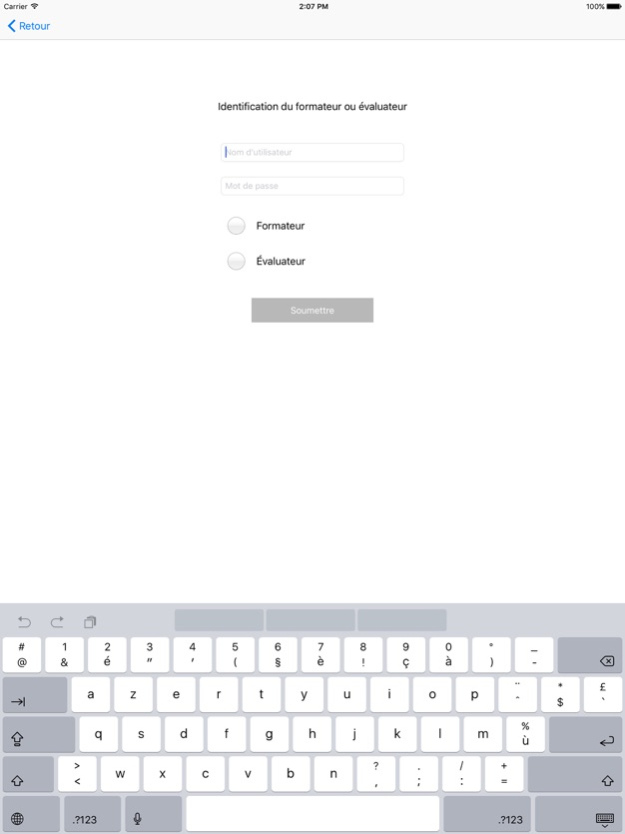
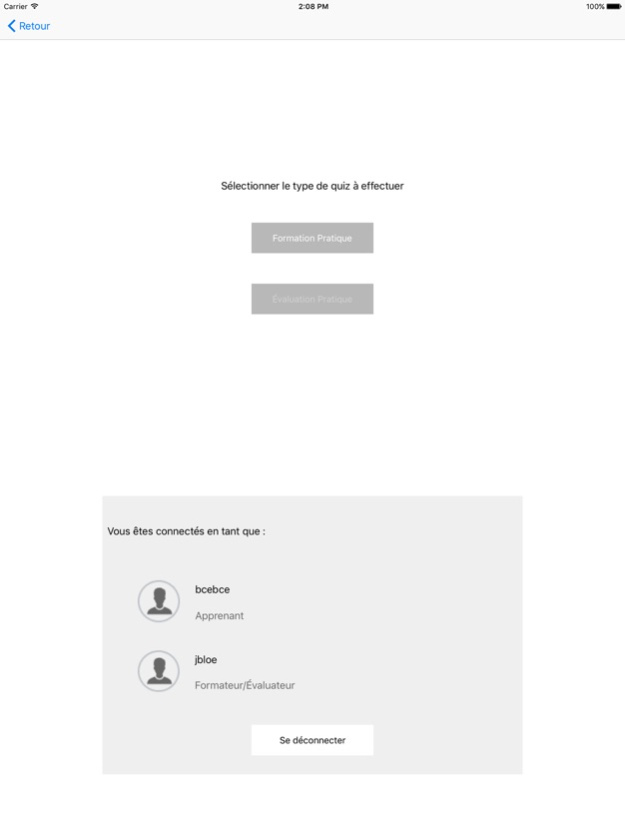
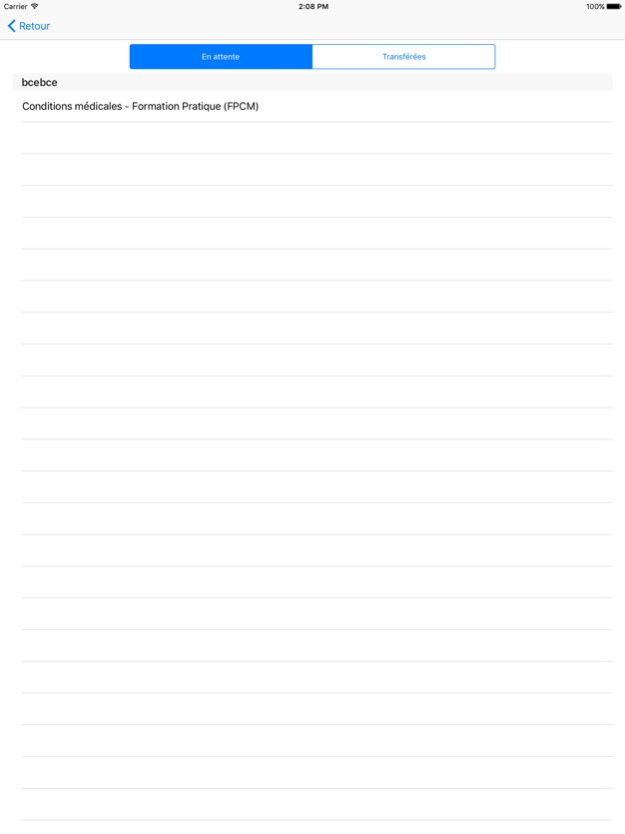
QUESS mobile app is used in conjunction with the QUESS Learning Management System (LMS) training program to perform competency assessment of personnel working in sterile compounding facilities.
QUESS mobile app is only available to registered users of the QUESS LMS online training solution.
The QUESS mobile app can be used in a clean room environment during the practical training and evaluation of personnel. This interactive teaching tool is designed to monitor a learner’s progression in order to ensure that the necessary practical competencies have been acquired in a live setting.
The full QUESS LMS solution consists of theoretical training and evaluation (to be completed on a PC) combined with the QUESS mobile app (to be completed on an iPad) with the above features.
The QUESS-LMS solution has been designed to demonstrate compliance with Canadian and American standards.
Employees such as pharmacists, technicians and cleaning personnel who successfully complete the theoretical and the practical training program receive a corresponding certificate.
QUESS 360 Is the most comprehensive quality management program for compounding of sterile preparations which includes 3 online solutions to address 3 distinct needs:
QUESS‐LMS – Learning Management System used for training personnel
QUESS‐LOGS – Recordkeeping for periodic monitoring of activities and parameters
QUESS‐P&P – Policies Procedures according to standards in effect
BCE Pharma, your partner for compounding sterile preparations!
Jul 19, 2021
Version 2.0.5
- Corrected a bug when completing the mediafill module
Important message before you update your QUESS application on iPad.
Verify that all practical training and assessment segments have been synchronized before proceeding with the update. Failing to perform a synchronization results in the loss of your data when updating QUESS-APP.
About BCE Quess
The company that develops BCE Quess is BCE Pharma. The latest version released by its developer is 2.0.5.
To install BCE Quess on your iOS device, just click the green Continue To App button above to start the installation process. The app is listed on our website since 2021-07-19 and was downloaded 0 times. We have already checked if the download link is safe, however for your own protection we recommend that you scan the downloaded app with your antivirus. Your antivirus may detect the BCE Quess as malware if the download link is broken.
How to install BCE Quess on your iOS device:
- Click on the Continue To App button on our website. This will redirect you to the App Store.
- Once the BCE Quess is shown in the iTunes listing of your iOS device, you can start its download and installation. Tap on the GET button to the right of the app to start downloading it.
- If you are not logged-in the iOS appstore app, you'll be prompted for your your Apple ID and/or password.
- After BCE Quess is downloaded, you'll see an INSTALL button to the right. Tap on it to start the actual installation of the iOS app.
- Once installation is finished you can tap on the OPEN button to start it. Its icon will also be added to your device home screen.
Program Details
System requirements
Download information
Pricing
Version History
version 2.0.5
posted on 2021-07-19
Jul 19, 2021 Version 2.0.5
- Corrected a bug when completing the mediafill module
Important message before you update your QUESS application on iPad.
Verify that all practical training and assessment segments have been synchronized before proceeding with the update. Failing to perform a synchronization results in the loss of your data when updating QUESS-APP.
version 2.0.4
posted on 2021-07-16
Jul 16, 2021 Version 2.0.4
- Corrected a bug when retrying a quiz
Important message before you update your QUESS application on iPad.
Verify that all practical training and assessment segments have been synchronized before proceeding with the update. Failing to perform a synchronization results in the loss of your data when updating QUESS-APP.
version 2.0.3
posted on 2021-07-13
Jul 13, 2021 Version 2.0.3
- Corrected a bug with trainers not having access to non-sterile
Important message before you update your QUESS application on iPad.
Verify that all practical training and assessment segments have been synchronized before proceeding with the update. Failing to perform a synchronization results in the loss of your data when updating QUESS-APP.
version 1.9.1
posted on 2020-03-04
3 mars 2020 Version 1.9.1
Data sync improvements
version 1.9.1
posted on 2020-03-03
Mar 3, 2020 Version 1.9.1
Data sync improvements
version 1.9
posted on 2019-07-19
Jul 19, 2019 Version 1.9
- hide Omnitech connection
- edit of some xml text
version 1.2
posted on 2016-12-05
Disclaimer
Official App Store Link
We do not host BCE Quess on our servers. We did not scan it for viruses, adware, spyware or other type of malware. This app is hosted by Apple and passed their terms and conditions to be listed there. We recommend caution when installing it.
The App Store link for BCE Quess is provided to you by apps112.com without any warranties, representations or guarantees of any kind, so access it at your own risk.
If you have questions regarding this particular app contact the publisher directly. For questions about the functionalities of apps112.com contact us.
